




SusHi Tech Tokyo 2026 just got even more convenient! Major update to the SusHi Tech Tokyo 2026 official app! *Please note that some features will be released after the end of March.
Download Here




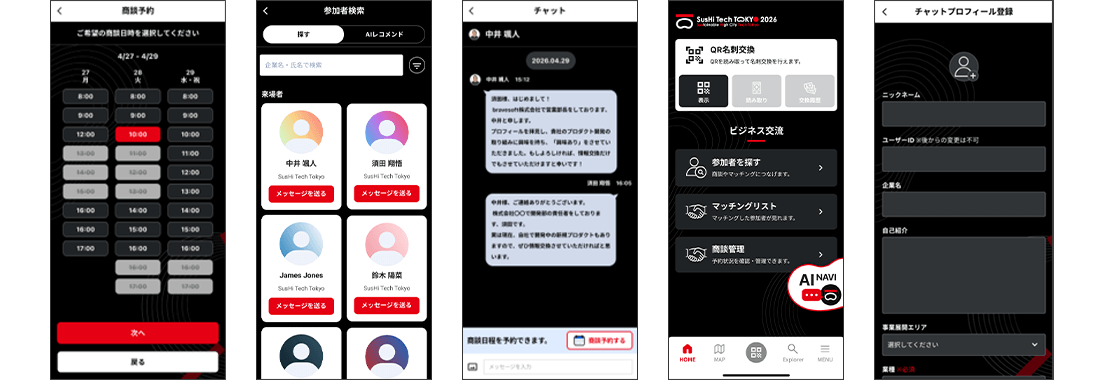
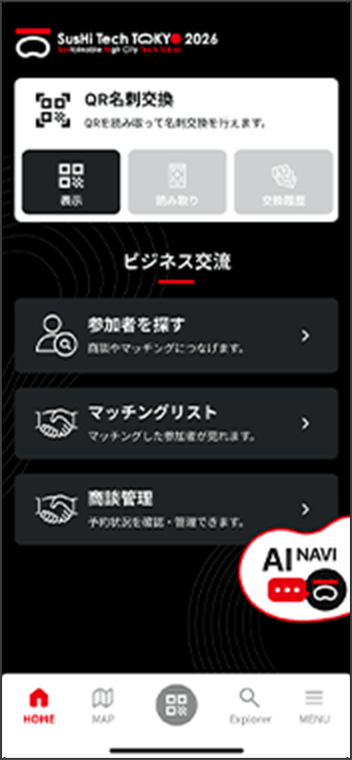
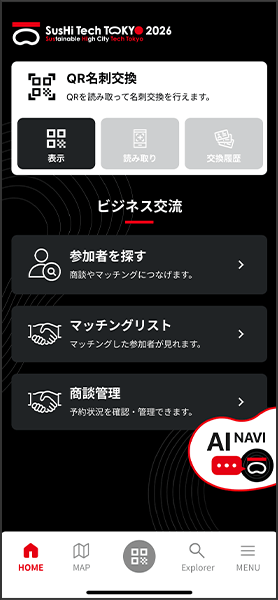
The official SusHi Tech Tokyo 2026 app has undergone a major update!From pre‑event business matching and meeting arrangements to convenient on‑site features such as QR business card exchange and an interactive map, the app offers a wide range of tools to expand your business opportunities.If you already have the app installed, please update it to the latest version via the App Store or Google Play.
What the App Offers
-
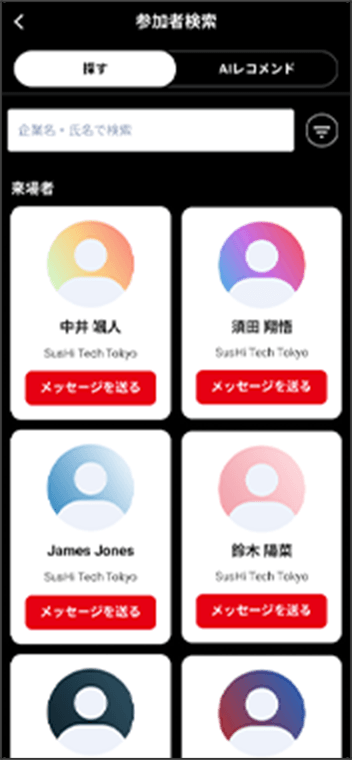
Business Matching
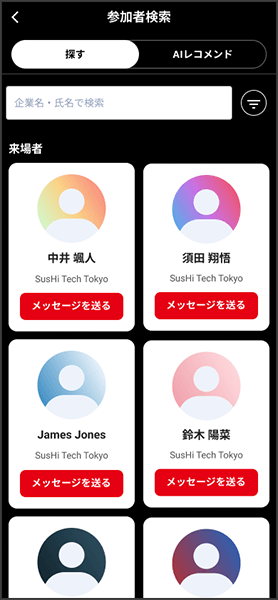
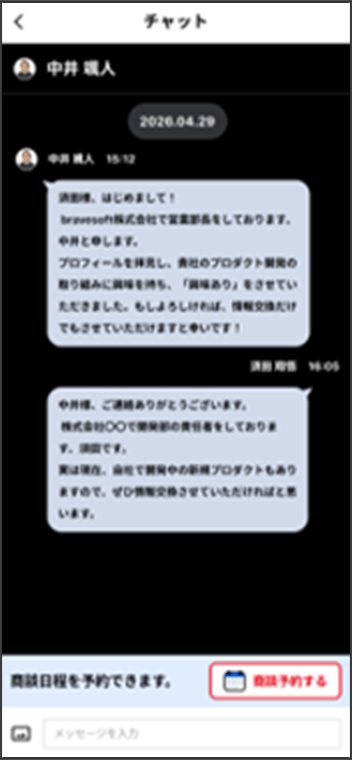
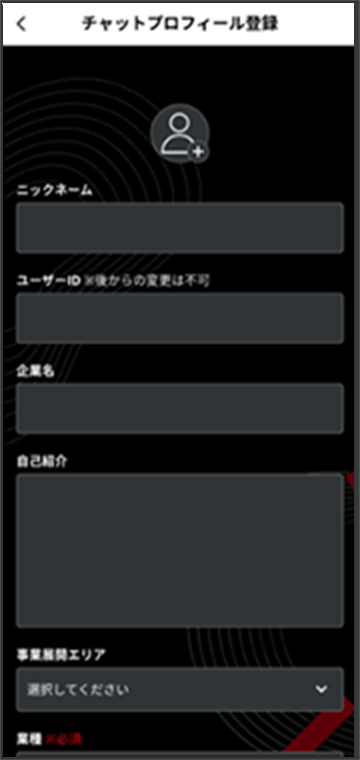
You can send messages to registered participants, and once they reply, you can continue the conversation via chat.
-
AI Recommendations
Enter keywords to describe the type of partner you're looking for, and the AI will recommend suitable matches.
-
Meeting Reservation & Management
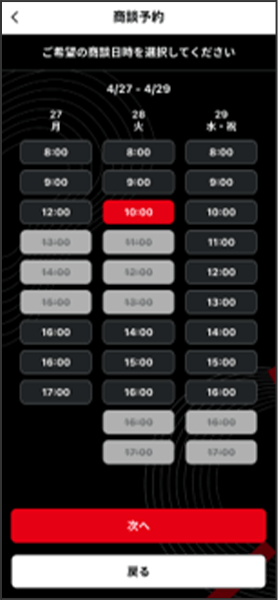
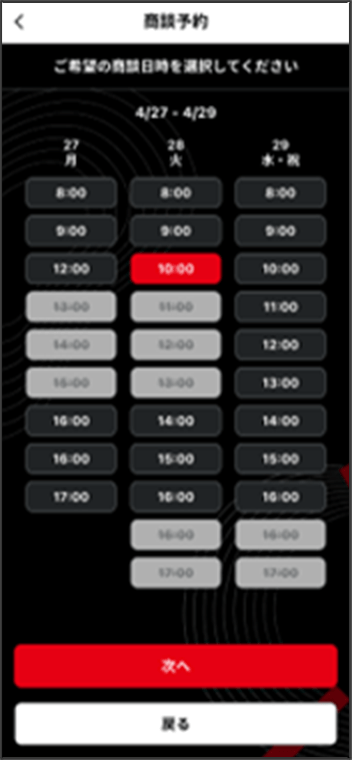
You can reserve on‑site business meeting booths in advance when arranging a match. All meeting details can be managed within the app.
-
QR Business Card Exchange
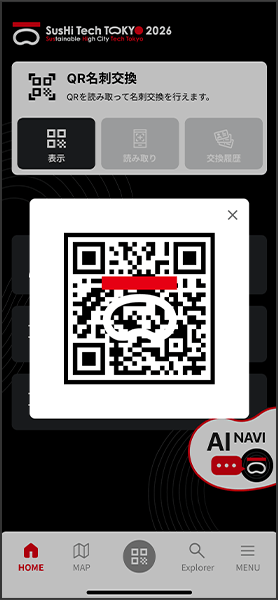

Show your own QR code or scan another participant’s QR code to exchange registered profile information.
-
GPS Map
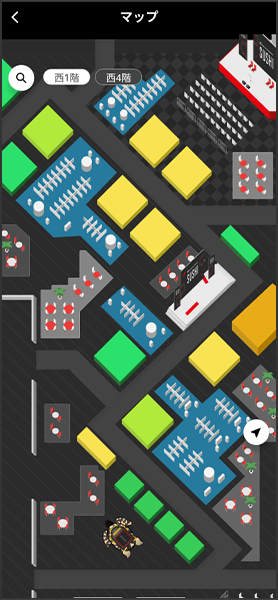
Open the map inside the venue to see your approximate location. You can also switch between floors.
-
Push Notifications for the Latest Updates
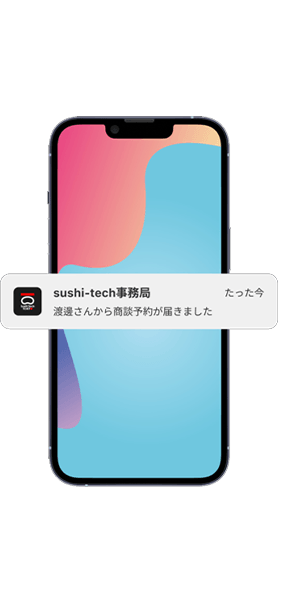
Receive real‑time push notifications with the latest event information throughout the exhibition period.


Unlock new business opportunities with the official SusHi Tech Tokyo 2026 app!
Download Here
Notes / Troubleshooting
If the official app is not functioning properly—such as the app not responding, images displaying incorrectly, or the camera not working—please try the following steps first.
-
1. Restart the app
Close the app completely and launch it again. -
2. Check your internet connection
Open your smartphone’s Settings and ensure that Wi‑Fi or Mobile Data is turned ON. Depending on your device’s network environment or data restrictions, the app may not load correctly. -
3. Check for app updates
Open the App Store or Google Play Store and confirm that the app is updated to the latest version. If an Update button is displayed, please update the app. -
4. Allow camera access
In your smartphone’s Settings, make sure that the SusHi Tech Tokyo 2026 Official App is allowed to access the camera. -
5. Check your OS version
We recommend the following OS versions:
iOS: 15 or later
Android: 10 or later
-
6. Enable push notifications
In your smartphone’s Settings, ensure that Notifications for the SusHi Tech Tokyo 2026 Official App are turned ON.